

Sorry, this activity is currently hidden
Section outline
-
Introduction
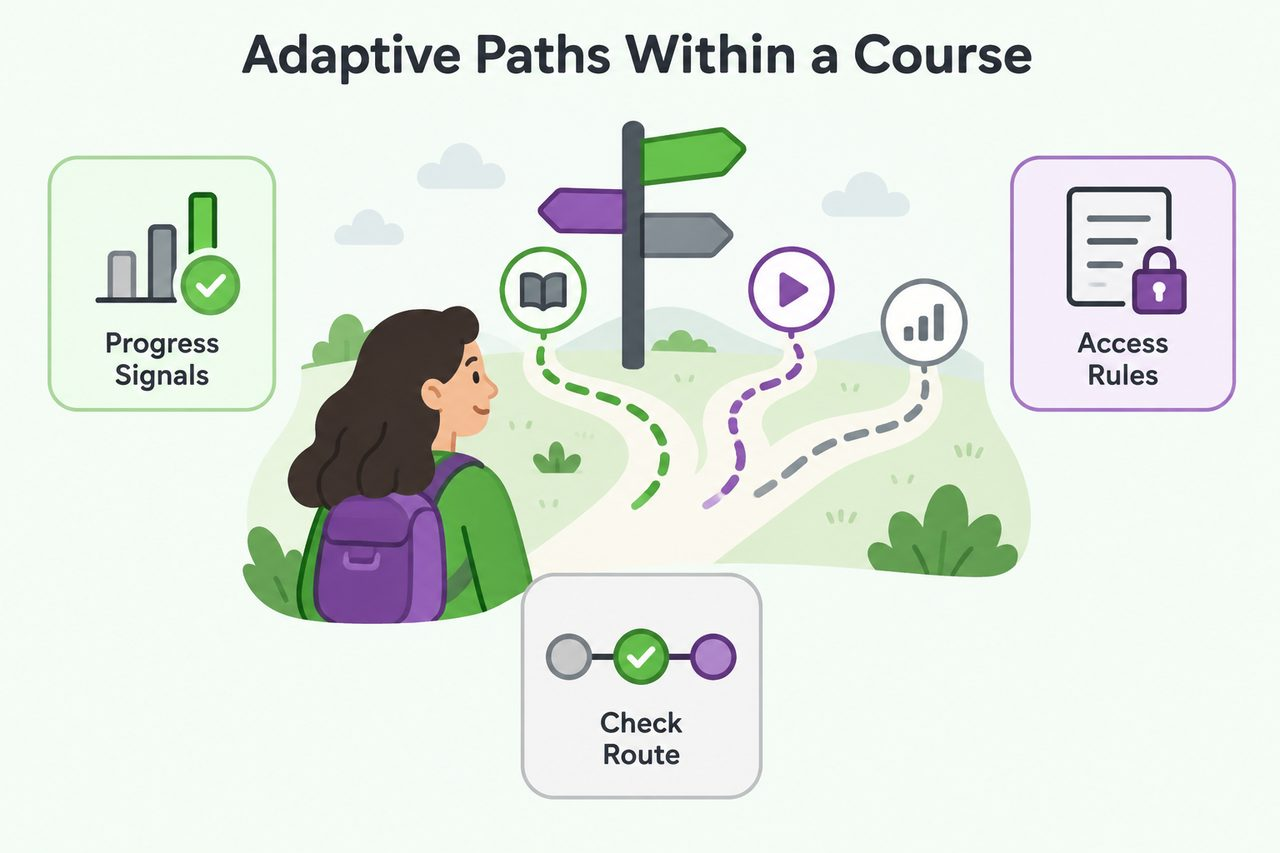
An adaptive learning path changes what learners can access based on their progress or needs. For course creators, this helps provide support where it is needed while allowing prepared learners to move ahead. Following the employee onboarding scenario, you will explore how Moodle’s progress settings and access rules create different routes through Course A, which covers workplace basics.
Learning Objectives
By the end of this section, you will be able to:
-
Explain how Moodle resources, activities, grades, and activity completion—the record of whether an activity’s requirements are met—support adaptive paths, distinguishing completion from passing.
-
Select and combine Restrict access conditions, which control access to course content, to create short learning sequences called micro-routes.
-
Trace a route through Course A using an initial quiz, optional support, and a follow-up check, explaining how quiz grading affects access and how this differs from branching within Moodle’s Lesson activity.
-
Students mustView
-
Students mustReceive a grade
-
Students mustView
-
Students mustReceive a grade
-
Students mustView
-
Students mustReceive a grade
-
Students mustReceive a gradeReceive a passing grade
-
-
Introduction
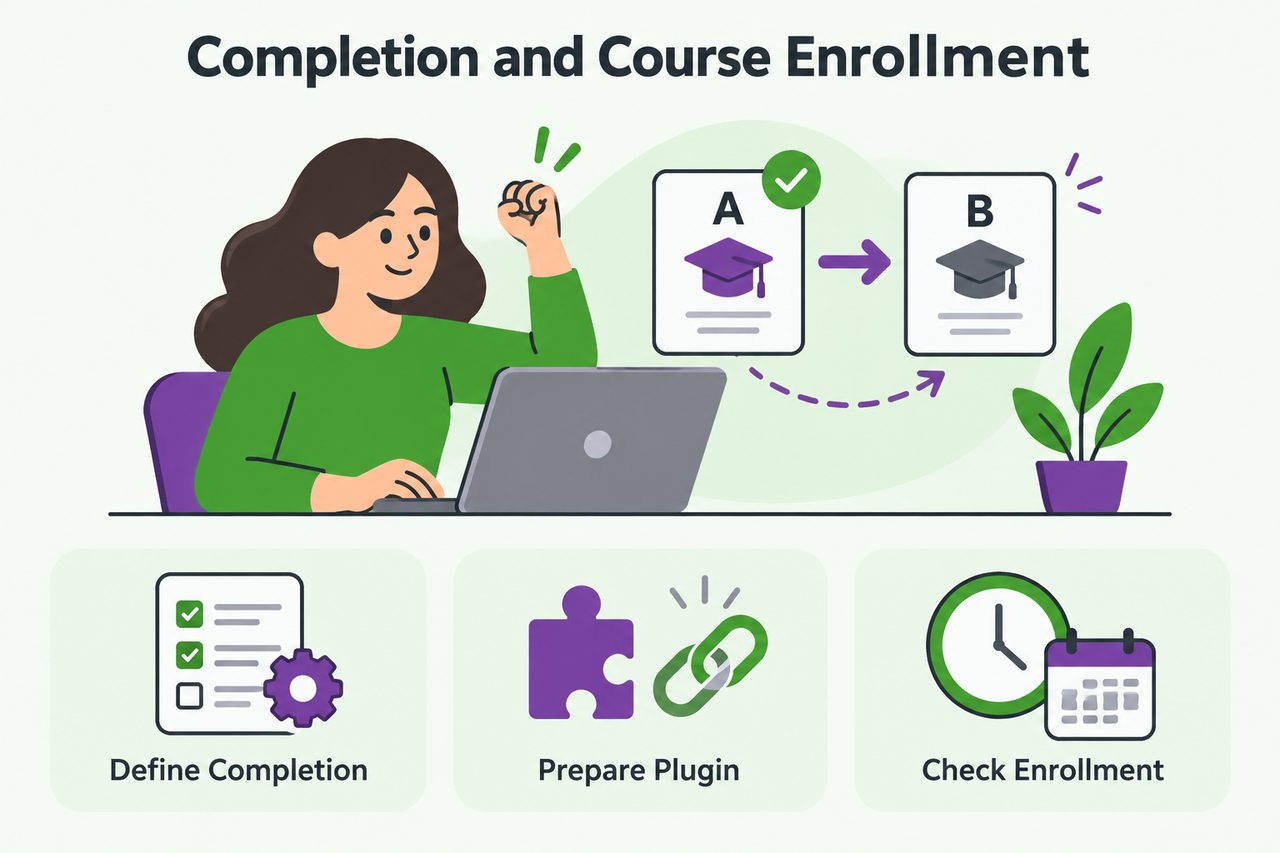
Building on the learning paths in Course A, this section connects workplace basics to advanced procedures in Course B. As a course creator, you will learn how to define course completion, prepare completion-based enrollment, and check that learners can continue to the next course. You will also distinguish recording completion, enrolling a learner, and allowing access.
Learning Objectives
By the end of this section, you will be able to:
-
Identify suitable course completion requirements—the conditions that determine overall course completion—without making optional support content mandatory for every learner.
-
Describe the administrator preparation and course-level steps needed to connect Course A to Course B using
enrol_coursecompleted, a plugin that supports enrollment after source-course completion. -
Explain how cron, Moodle’s background task runner, affects progression, and identify checks for missing completion records, enrollment settings, plugin-version behavior, and course access.
-
Students mustView
-
Students mustReceive a grade
-
Students mustView
-
Students mustReceive a grade
-
Students mustView
-
Students mustReceive a grade
-
Students mustReceive a gradeReceive a passing grade
-
-
Introduction
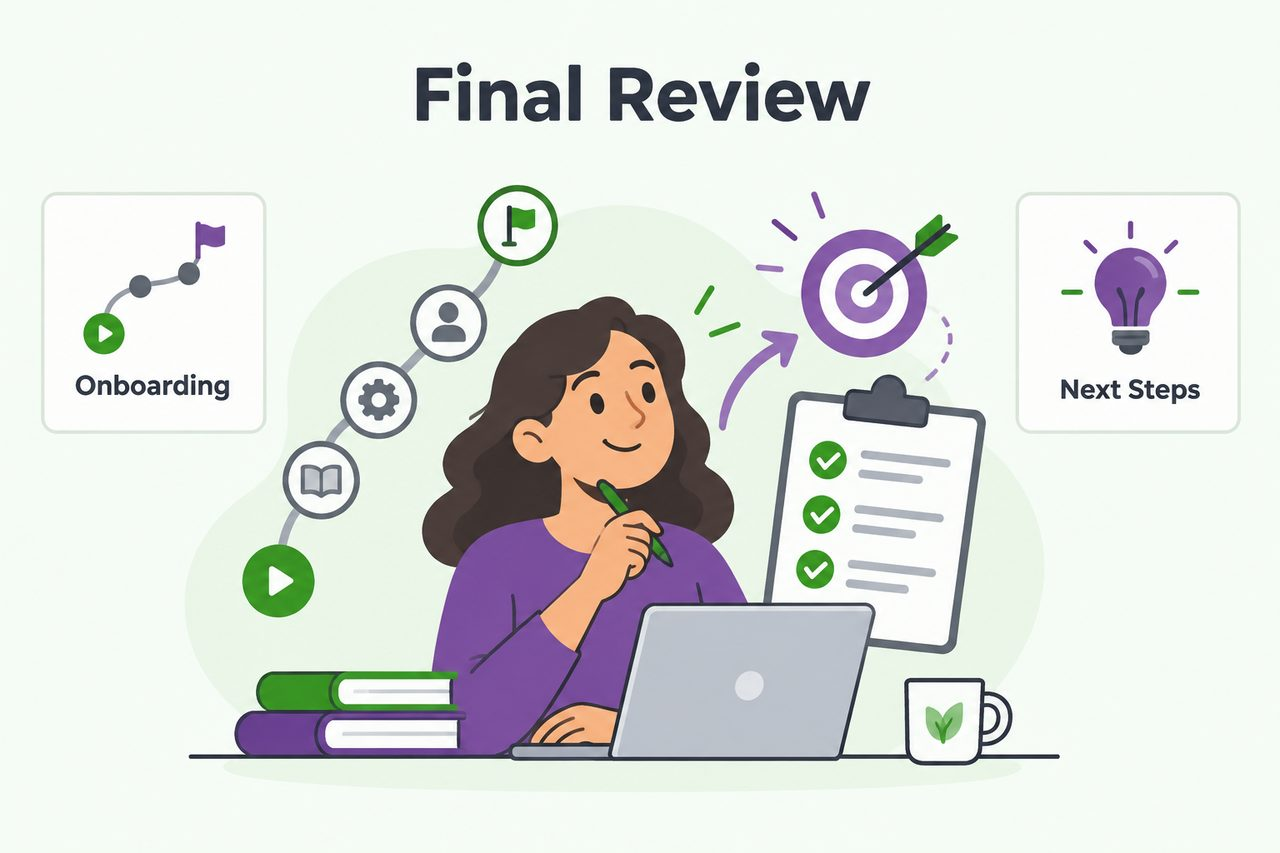
Building on the employee onboarding program, this section brings together the route through Course A and progression into Course B. You will review key design decisions and identify next steps for improving your Moodle courses. The outline does not specify a section duration, so the lesson times below are a proposed allocation.
Learning Objectives
By the end of this section, you will be able to:
-
Explain how access rules, activity completion, course completion, and enrollment work together in the onboarding program.
-
Review the Course A–to–Course B pathway and identify design choices that support reliable learner progression.
-
Select a practical next learning goal for developing adaptive learning paths in Moodle.
-
Students mustView
-
Students mustView
-
-
-
Students mustReceive a gradeReceive a passing grade
-